Made for reading
-
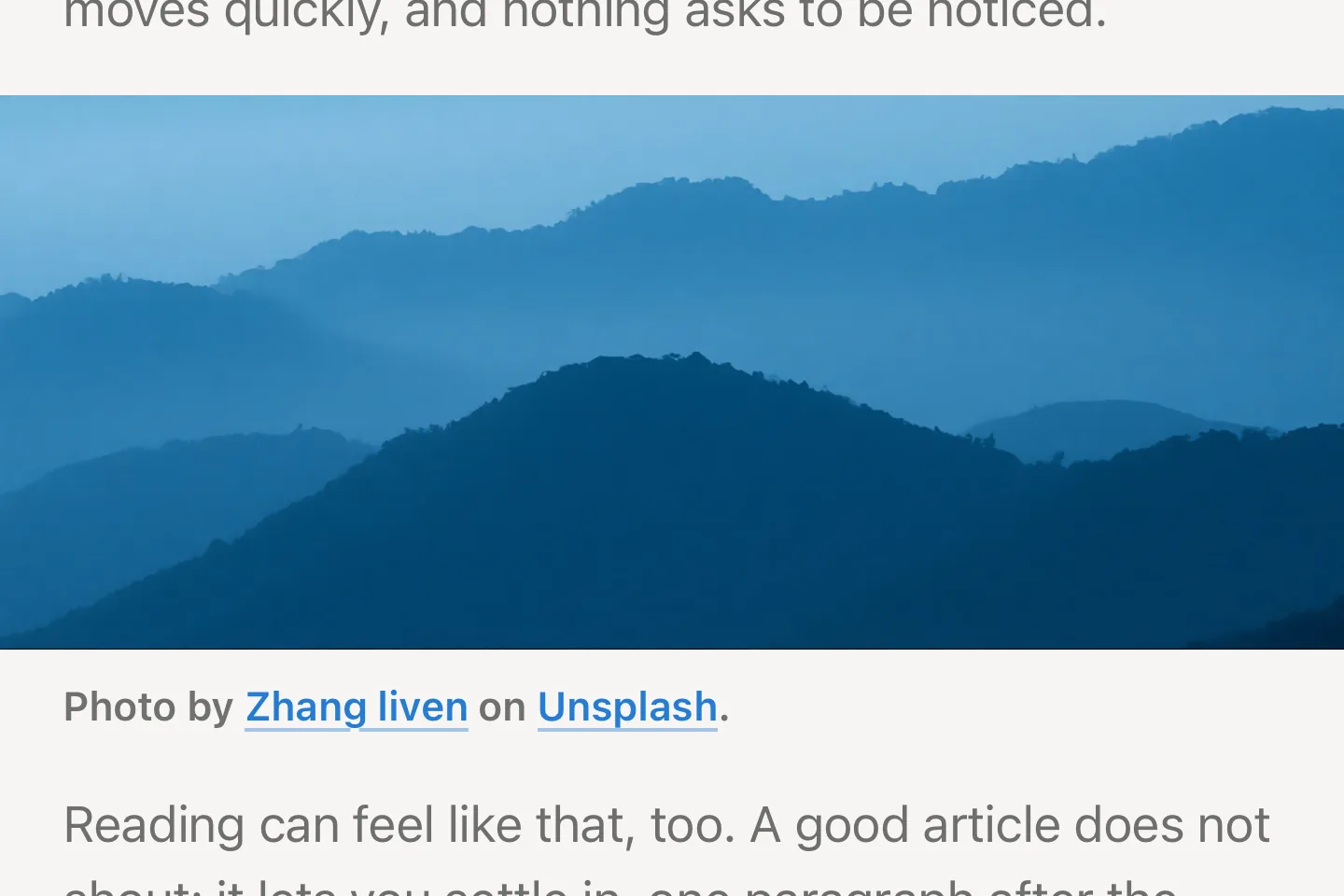
Images across the full width
Photos and figures break out of the text column: into the margins on the Mac, from edge to edge on iPhone. Their caption stays in the column right below.
-
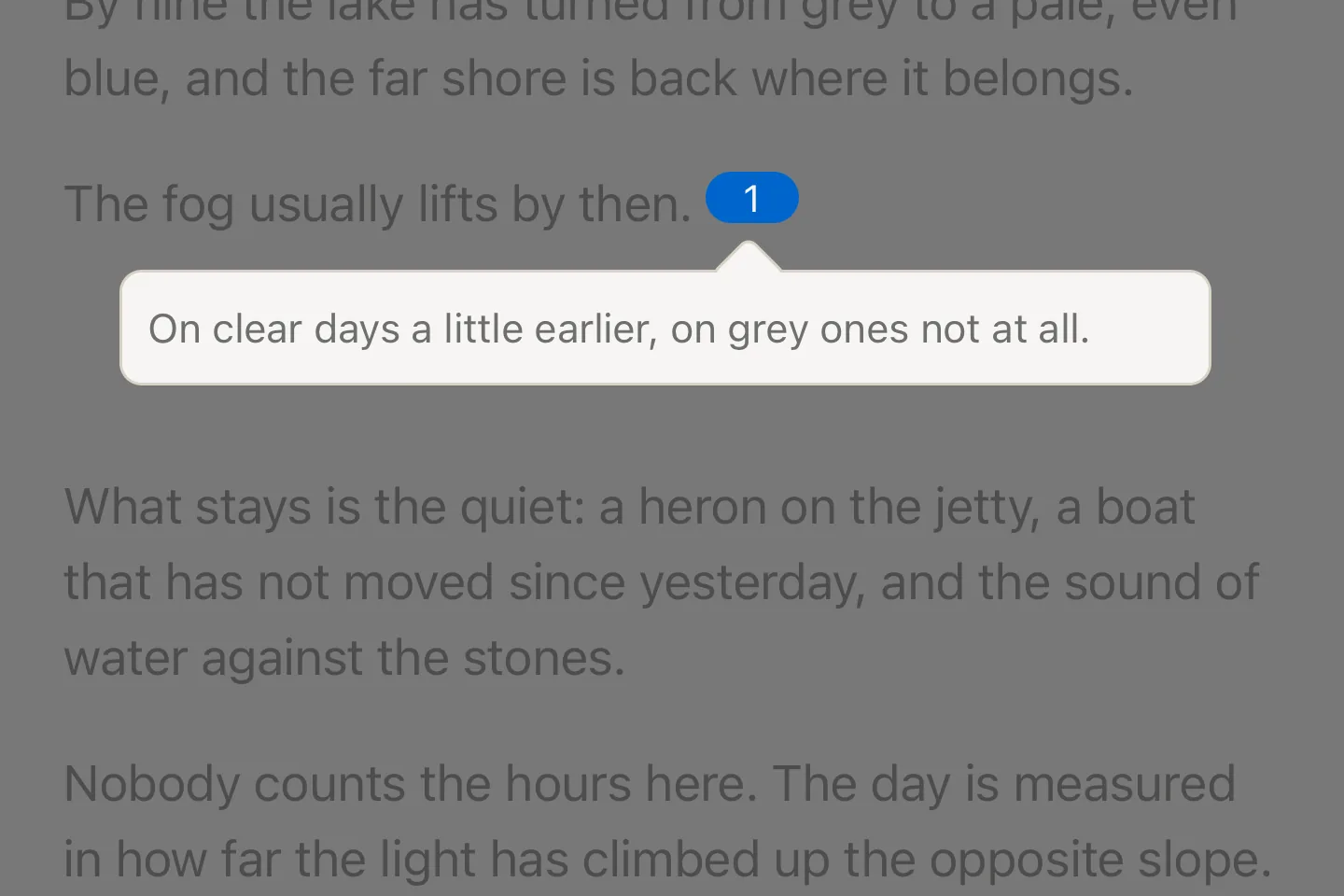
Footnotes in place
Footnotes from common blogs and newsletters open in a popover next to their marker instead of jumping to the end of the article.
-
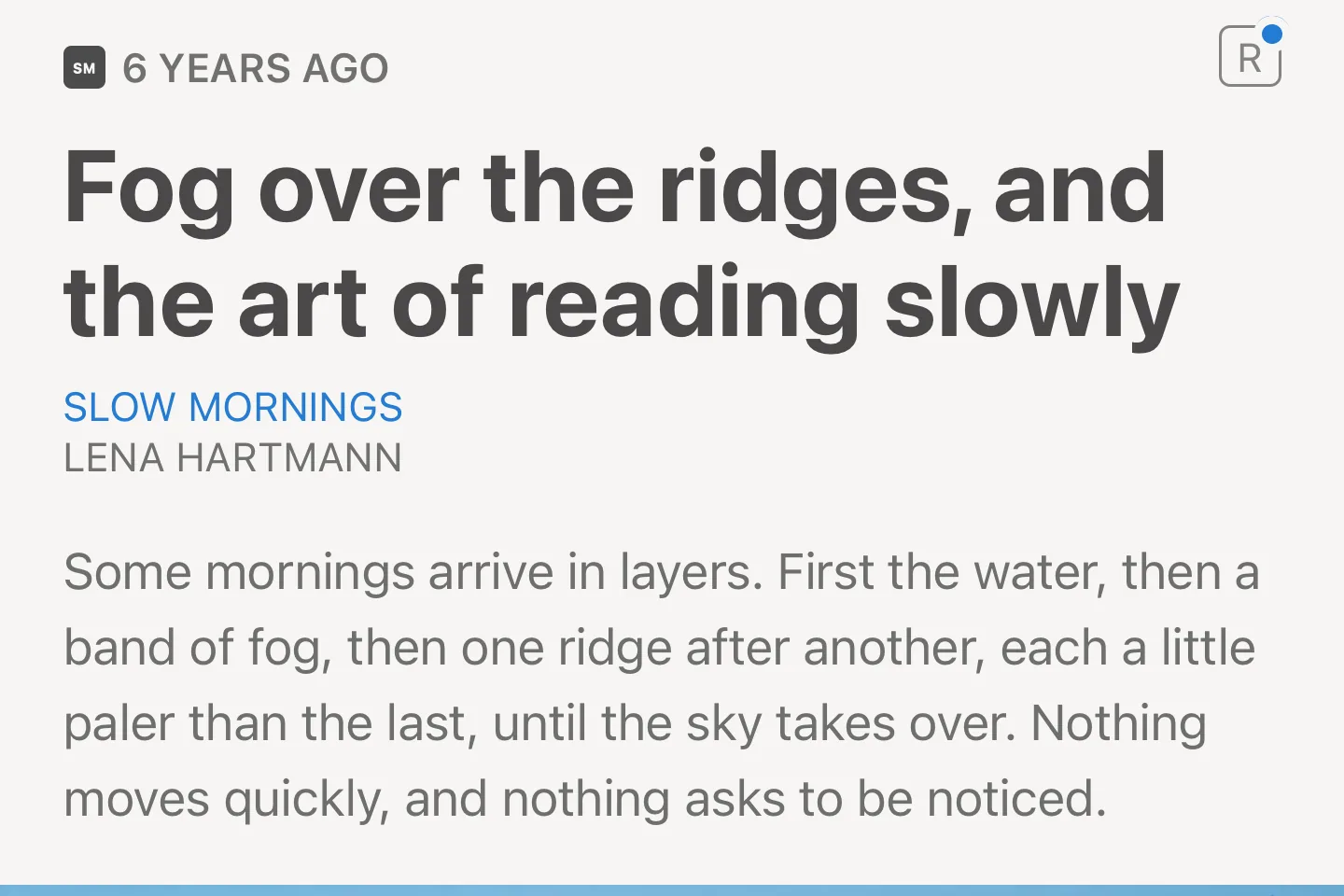
A blue dot for updates
When a new version of the Ringo theme is out, a blue dot appears on the theme logo in the article header. Its settings install the update right away.
-
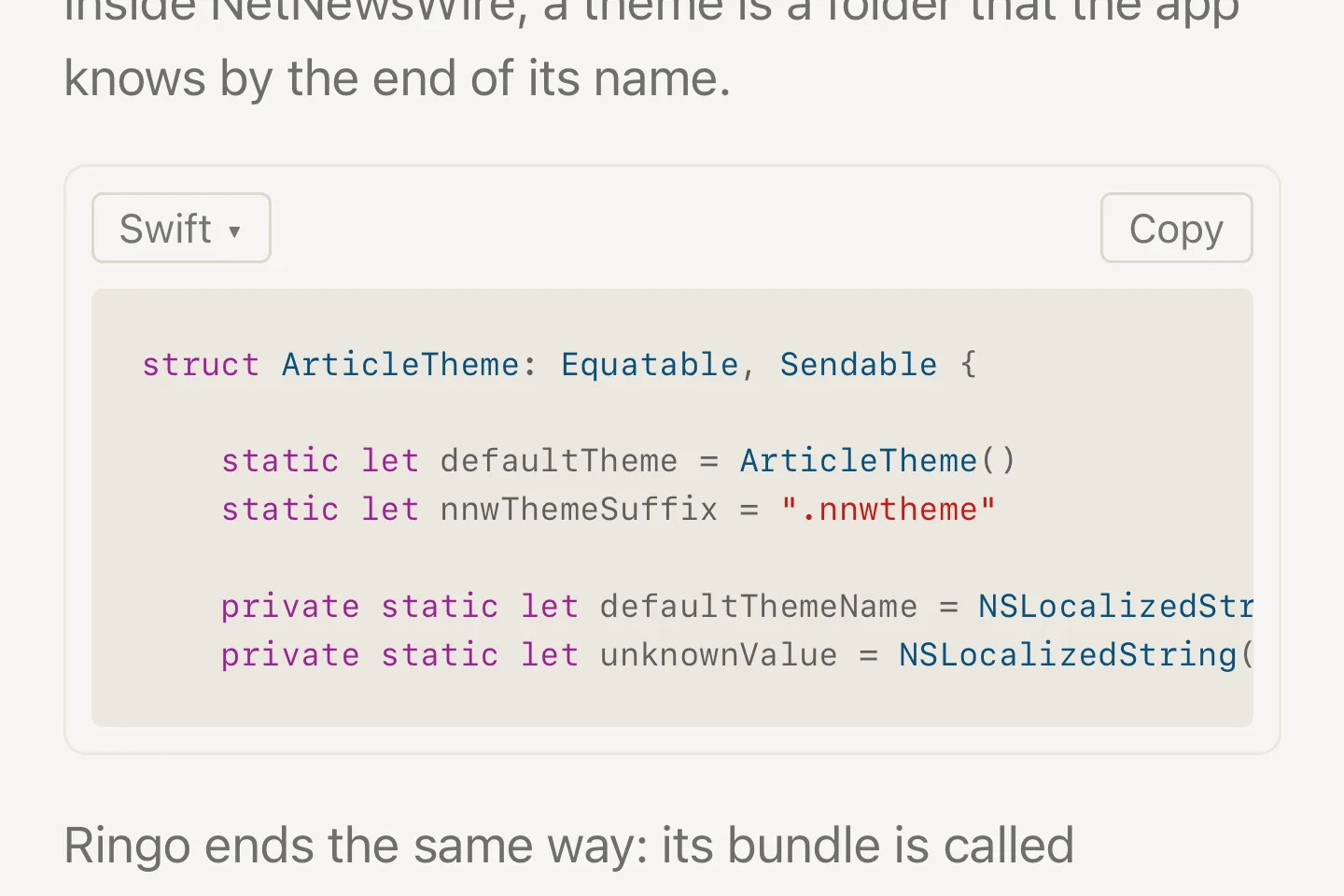
Colored code
Code blocks are colored by their language, with a menu to pick another one and a button that copies the code. The colors follow light and dark mode.
-
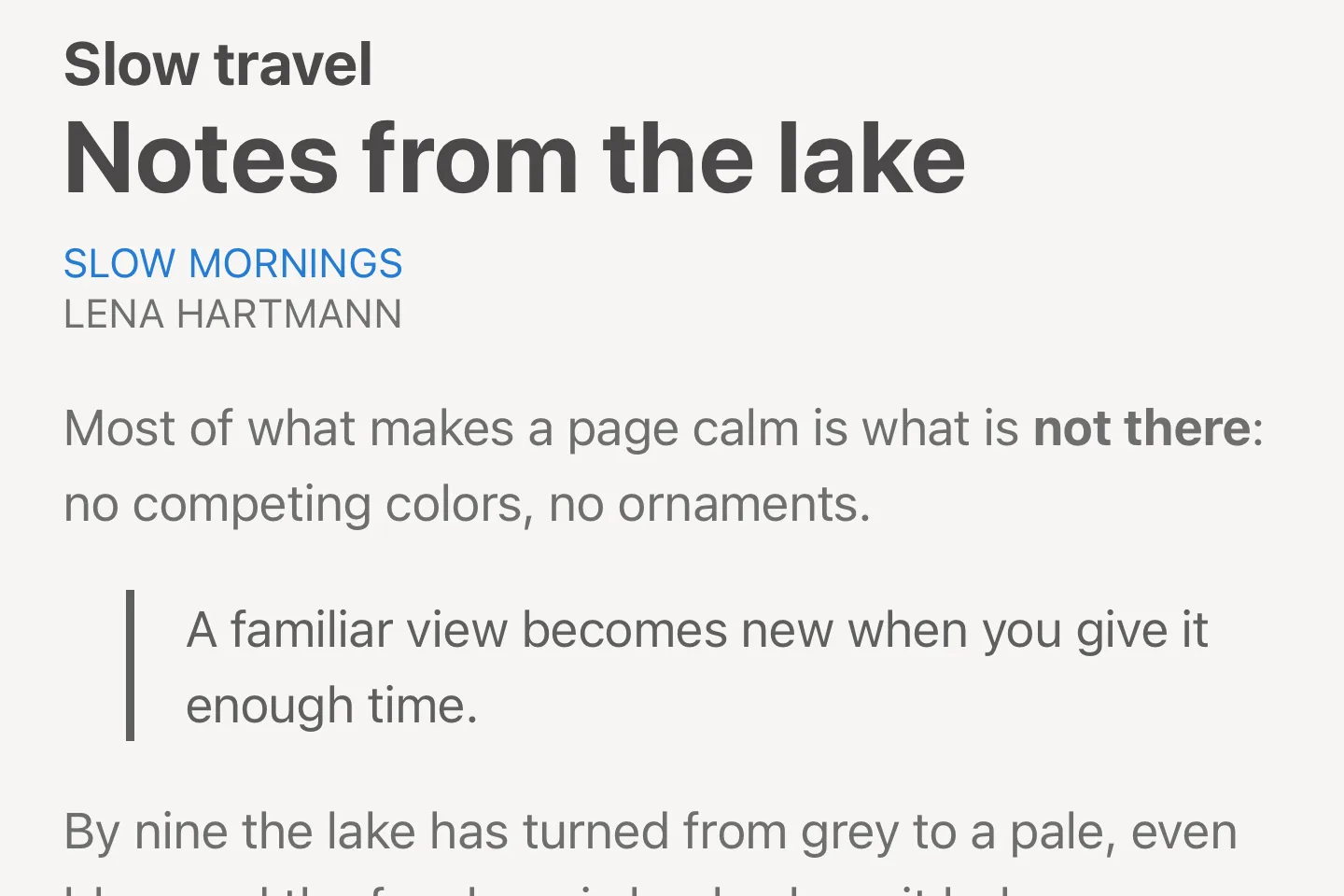
Native fonts and colors
San Francisco in the text size you chose, in colors that follow light and dark mode and meet the WCAG contrast ratio, on the Mac as on iPhone and iPad.
-
Embedded videos
YouTube, Vimeo and other players fill the column at 16:9. YouTube Shorts stand upright, other videos keep their own proportions and always fit the window.
-
Share by email New
The theme logo in the article header sends the article by email as a clean page of text and links, without the clutter of the web, readable in any mail app.
-
Underlined external links New
Links to external sources are underlined. They stand out in the text, so you notice at a glance when a link takes you away from the article’s site.


